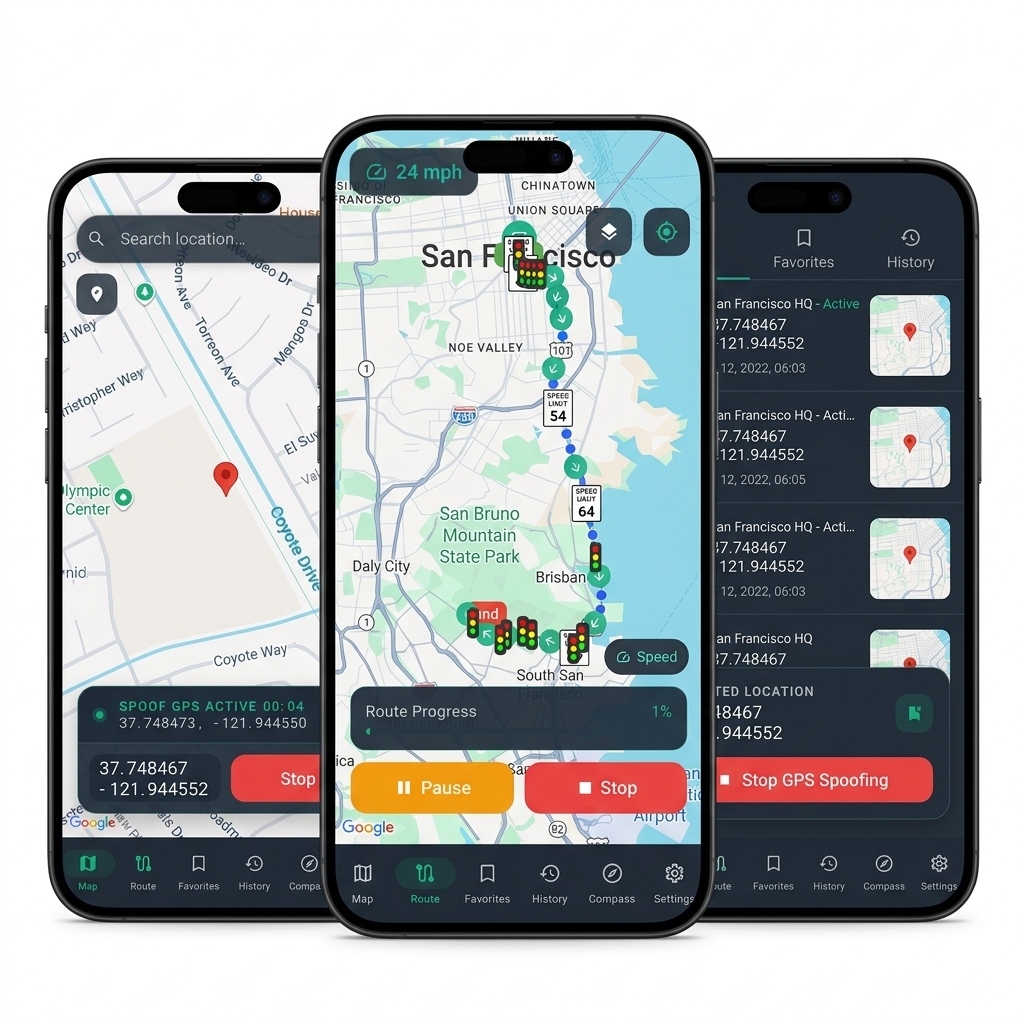

Setup Tutorial
Follow these steps to enable Developer Options and configure GhostWalker as your mock location provider on Android.
Enable Developer Options
Before you can use mock locations, you need to unlock the hidden Developer Options menu on your Android device.
- Open your device's Settings app.
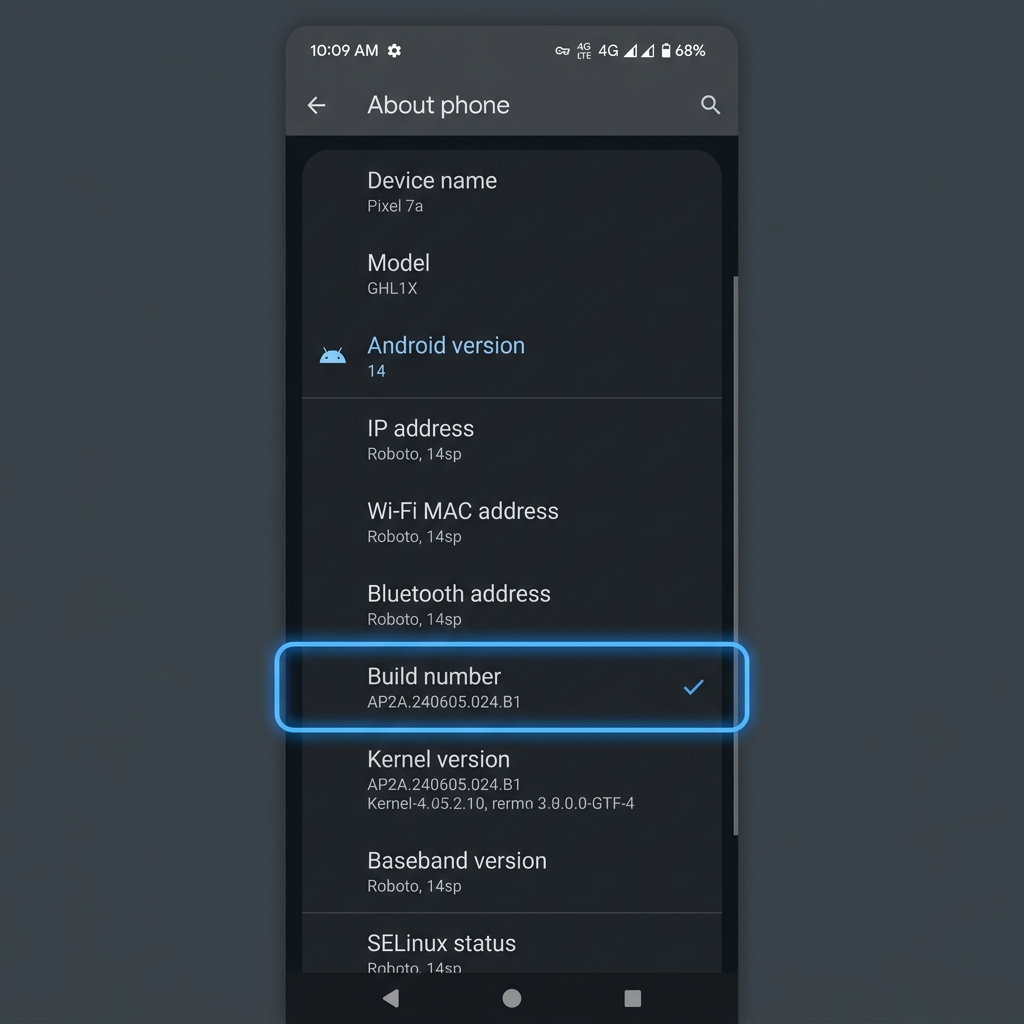
- Scroll down and tap on About phone (or "About tablet").
- Locate the Build number entry. (On some devices, this might be under "Software information").
- Tap on Build number rapidly 7 times.
- You may be prompted to enter your device PIN or password.
- You should see a toast message saying "You are now a developer!".
Set Mock Location App
Now that Developer Options are enabled, you need to tell Android to use GhostWalker to provide GPS data.
- Go back to the main Settings menu.
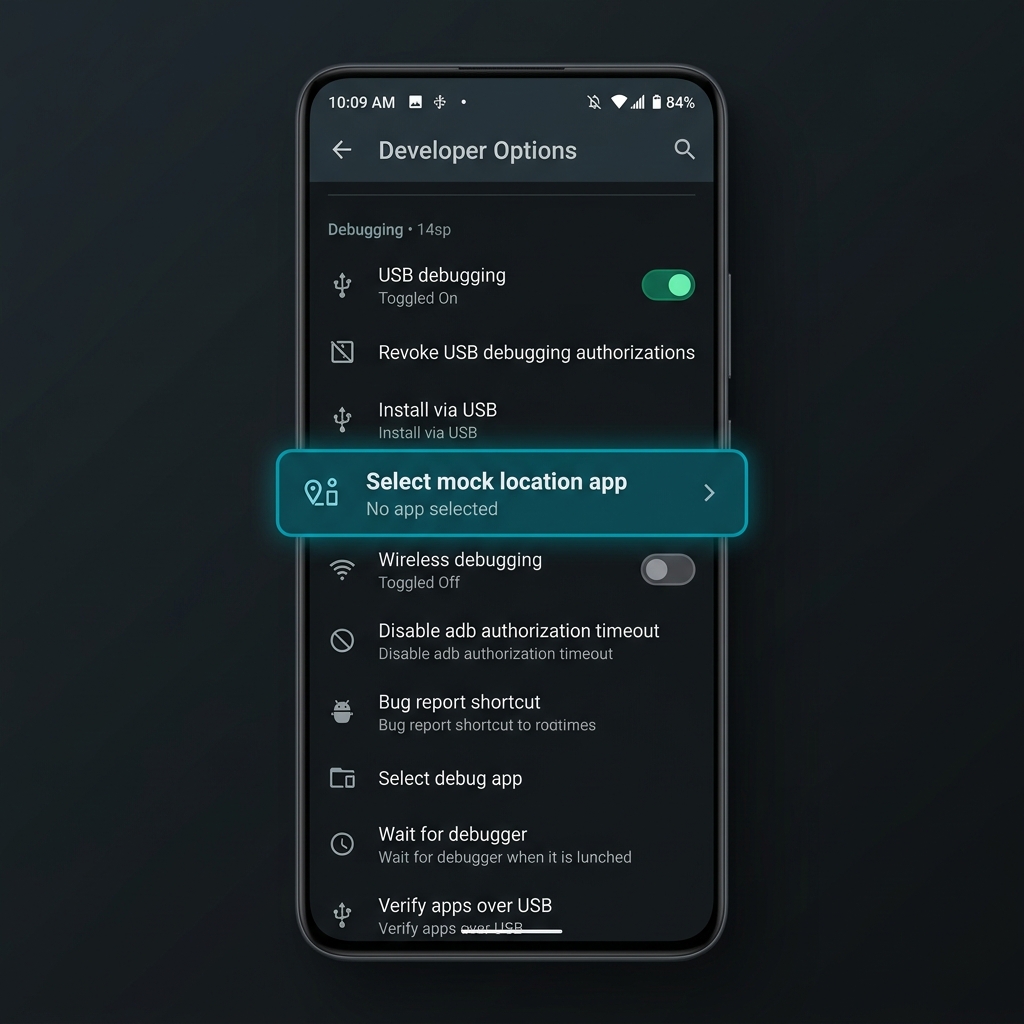
- Scroll down and tap on Developer options. (On some devices, this is inside the "System" or "Additional settings" menu).
- Scroll down to the Debugging section.
- Tap on Select mock location app.
- Select GhostWalker from the list of available apps.
Start Spoofing!
You are all set! Now you can open GhostWalker and start changing your location.
- Open the GhostWalker app.
- Search for a location or drop a pin on the map.
- Tap the Start button to begin spoofing your location.
- Open Google Maps or any other location-based app to verify that your location has changed!